


How to Use WooCommerce Order Hooks To Simplify Order Management ?
In this post, we will uncover how WooCommerce order hooks are used to perform actions or events during the various stages of an order lifecycle.


In this post, we will uncover how WooCommerce order hooks are used to perform actions or events during the various stages of an order lifecycle.

WooCommerce comes with a default column named ‘origin,’ displayed in its WooCommerce > Orders table. However, you need to enable a checkbox to make it

If your online store doesn’t have integrated Product Input Fields—such as Select, Datepicker, Text, and others—on the product page to capture user selections, admins may

Store owners in the food delivery sectors often need to fulfill orders quickly and manage a large number of orders accumulated throughout the day. In

By default, WooCommerce assigns numerical order numbers to transactions, starting from 1 and incrementing with each new order. But if you run a big store,
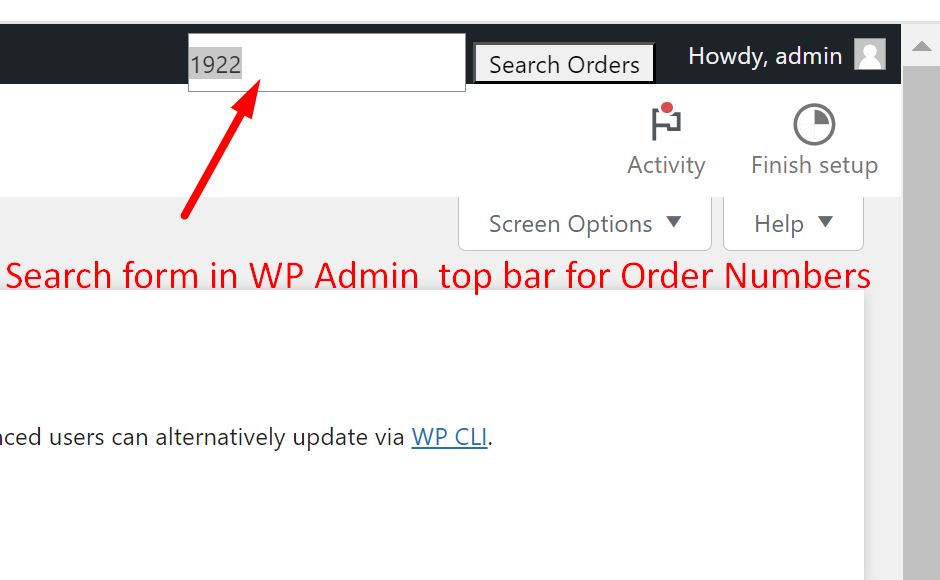
The WordPress admin is the centre place to control all the functionalities added to your site either via a plugin or custom code. We can

Certain businesses might prefer to use alternative tracking or reference numbers internally, and displaying the default order IDs to customers could cause confusion or disrupt

One common problem that store owners have is the time-consuming process of accessing customer contact information buried within each order. What if you could instantly

Adding prefix such as ‘PAID’ to a specific order status makes it immediately clear that the order has been paid for and is complete. By incorporating such

Timestamps are required for store owners to prioritize the orders based on the time they were placed. And placing the timestamp right on the orders table helps them to